Sign in
Sign in to the TerrAssist iPad app with the account your organization set up for you.
Steps
-
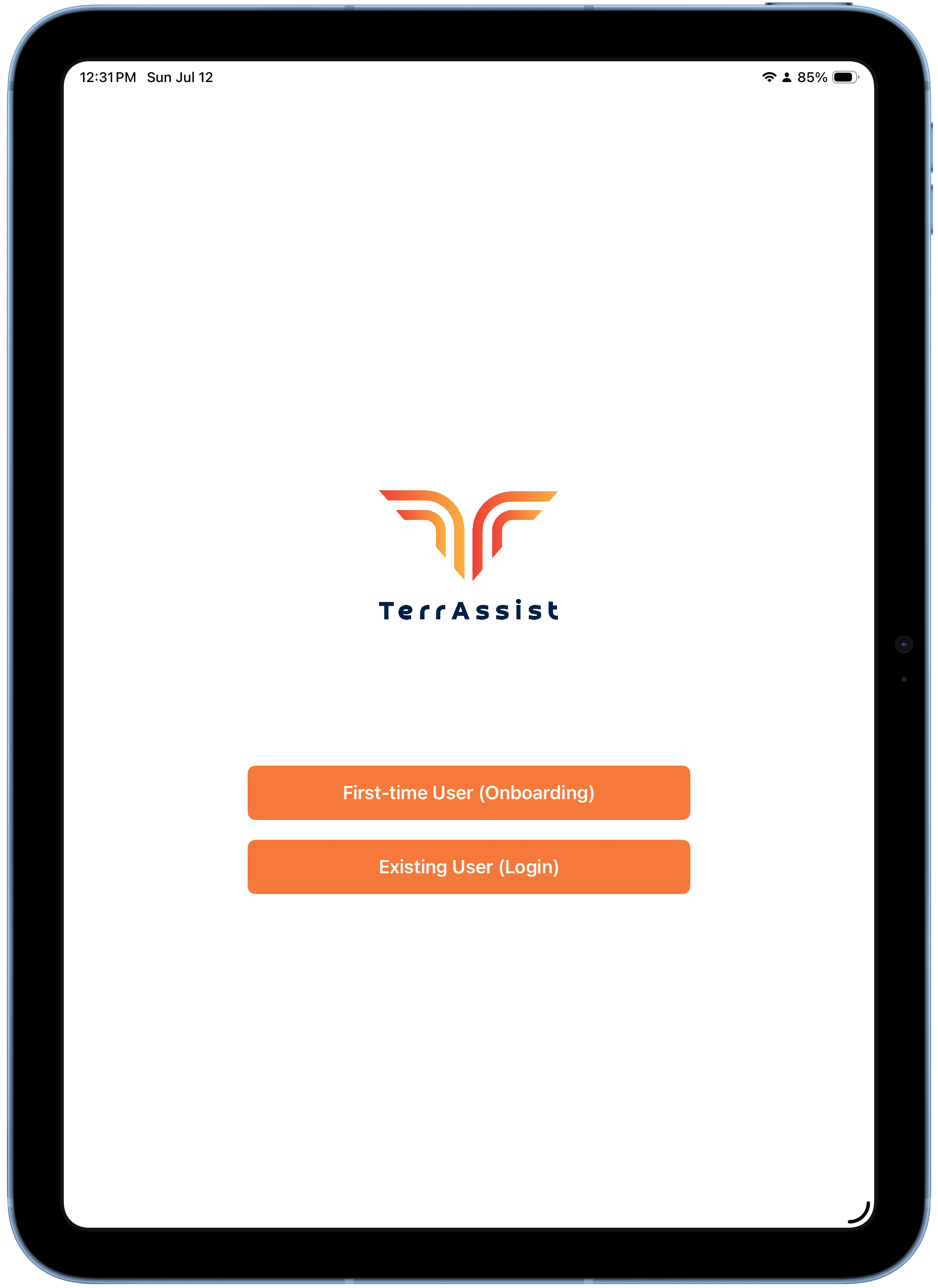
Open the TerrAssist app. On the welcome screen, tap Existing User (Login).
-
Choose Cloud/Hosted.
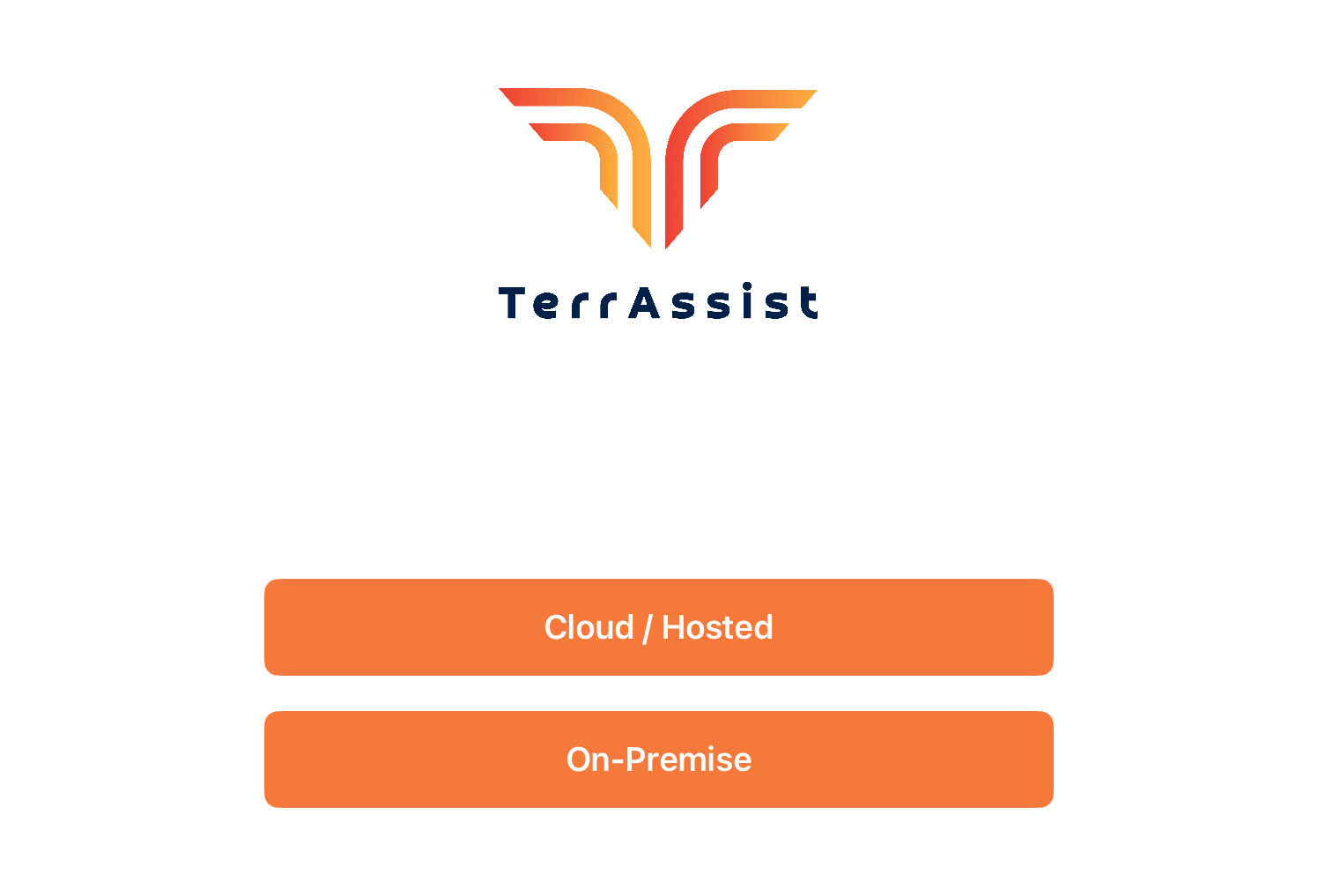
Cloud/Hosted vs On-Premise
Almost everyone uses Cloud/Hosted. Only choose On-Premise if your organization runs its own TerrAssist server and your admin told you to.
-
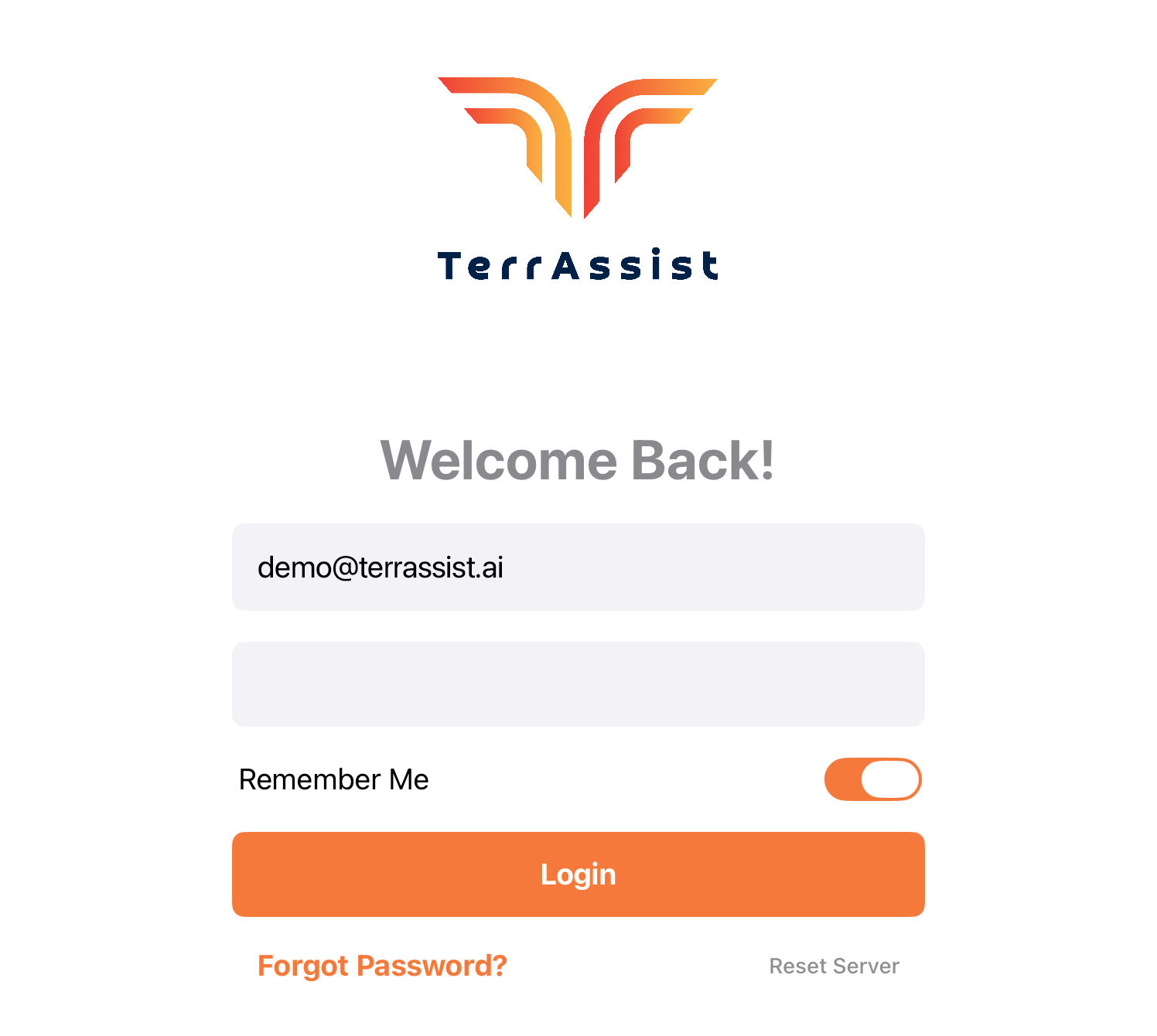
Enter your email and password.
-
Turn on Remember Me so you stay signed in on this iPad, then tap Login.
You'll land on the Dashboard — your report list on the left, report preview on the right.
Forgot your password?
Use Forgot Password? on the login screen, or contact your admin. Accounts are created by your organization's admin — there is no self-signup for field workers.