Add photos
Attach site photos to your report.
Steps
-
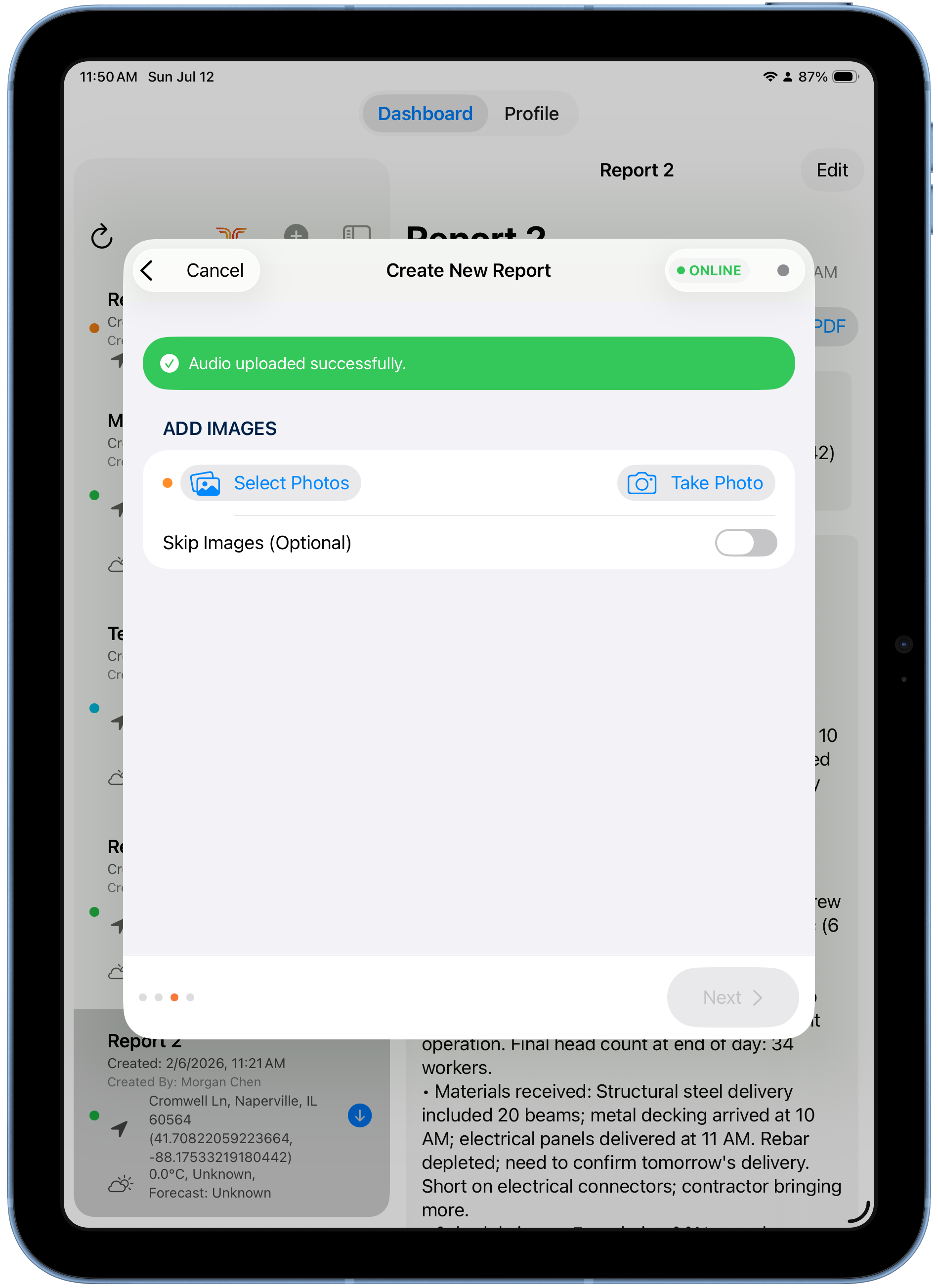
On the Add Images step, choose:
- Take Photo — shoot with the iPad camera, or
- Select Photos — pick existing photos from your library.
-
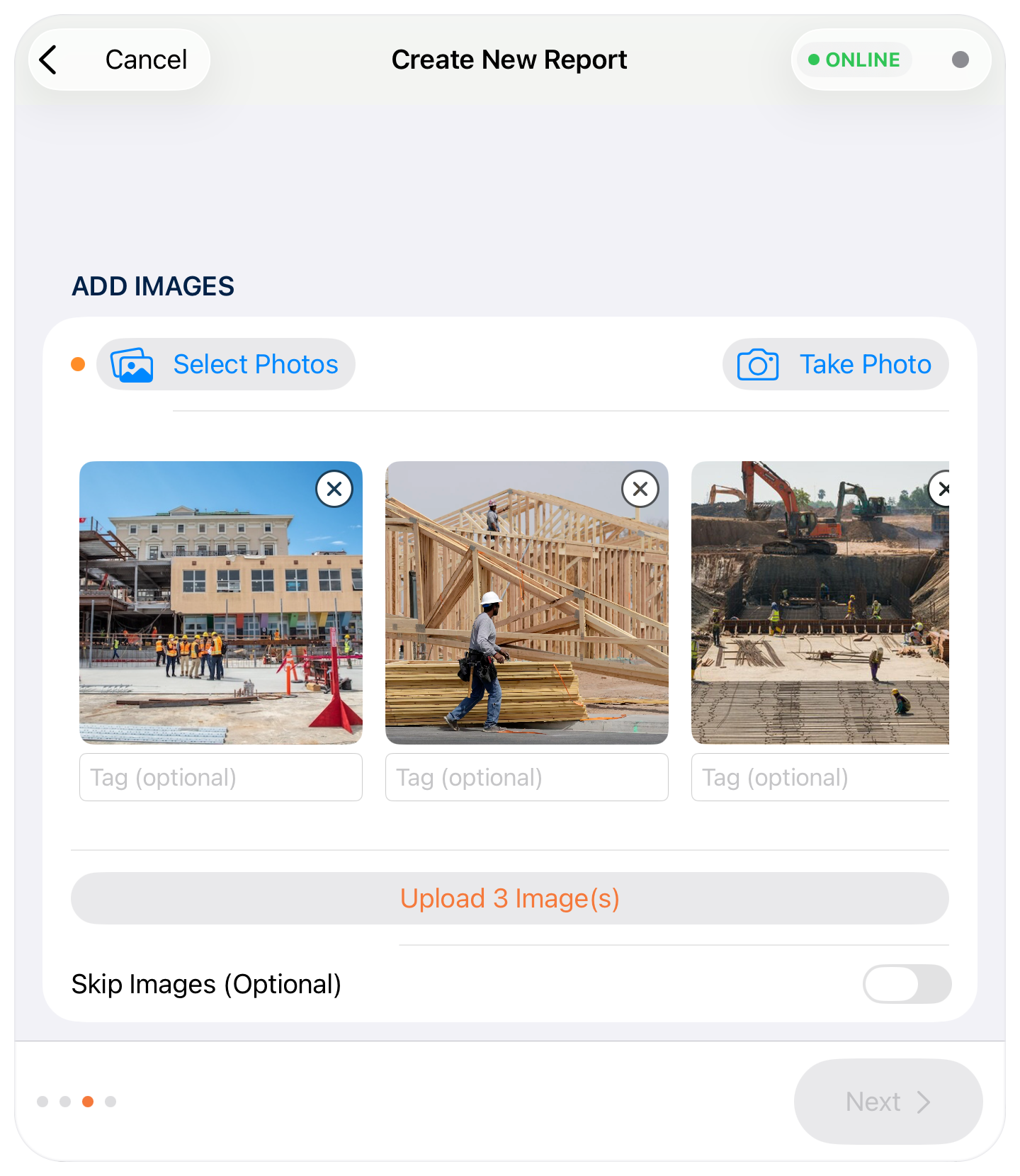
(Optional) Add a tag under each photo to describe it.
-
Tap Upload (the button shows how many, e.g. Upload 3 Images).
-
When the upload confirms, tap Next.
No photos this time?
Use the Skip Images (Optional) toggle to continue without photos.