Replace or remove an audio file
Attached the wrong recording, or want a better take? Each section's audio can be swapped before you upload.
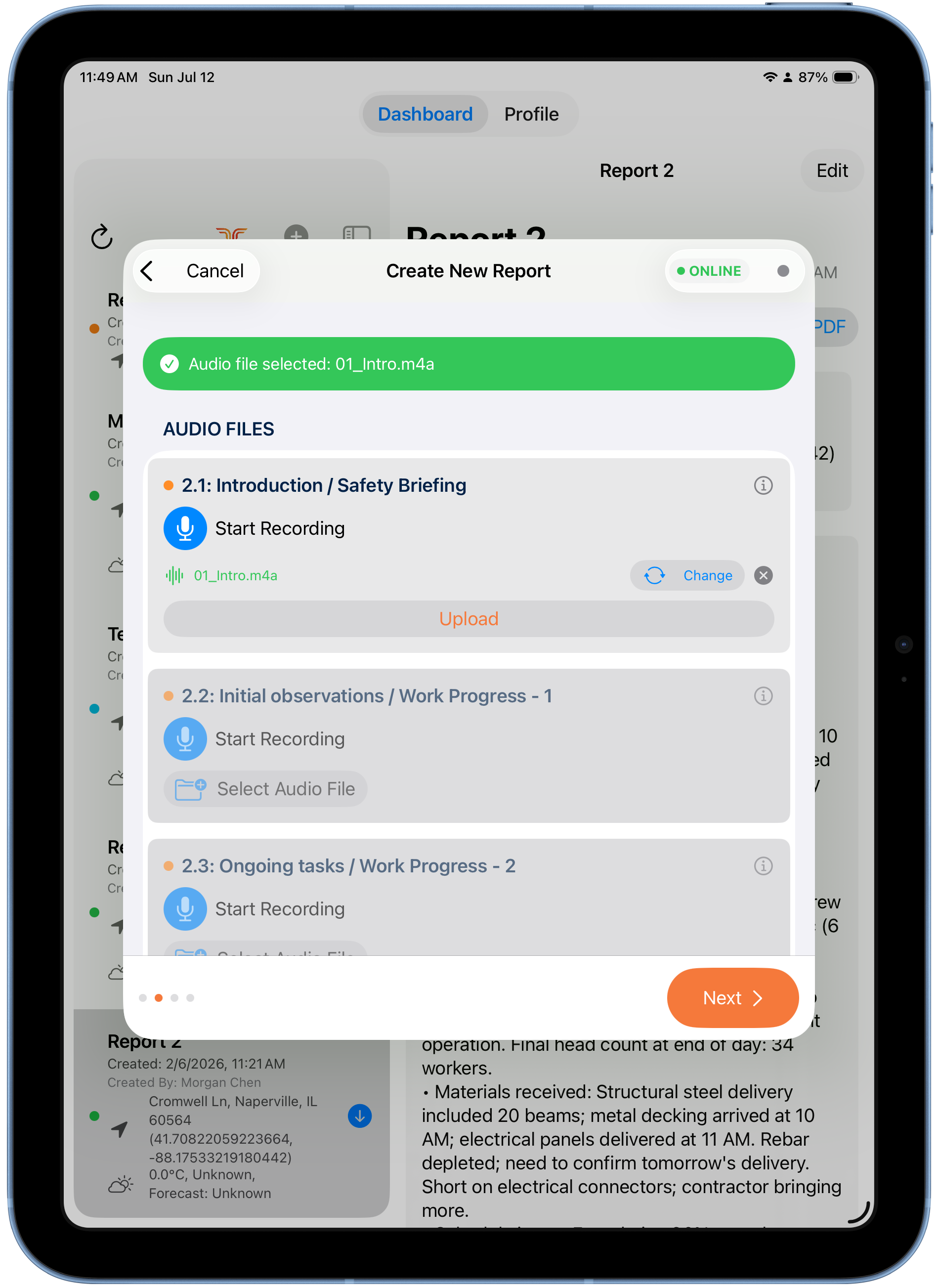
After selecting a file
When you attach a file with Select Audio File, a confirmation banner shows the selected file name, and the section displays the file with two controls:
- Change — pick a different file.
- ✕ — remove the attached file.
Tap Upload to send the section's audio to the report.
Re-recording
If you use Start Recording on a section that already has audio, the new recording replaces the old one — it doesn't append.
Tip
Upload section by section as you go — the green confirmation banner tells you each upload succeeded.