Record or attach audio
Your spoken notes are the heart of the report — TerrAssist turns them into the written report summary. Each report has five audio sections:
- 2.1: Introduction / Safety Briefing
- 2.2: Initial observations / Work Progress – 1
- 2.3: Ongoing tasks / Work Progress – 2
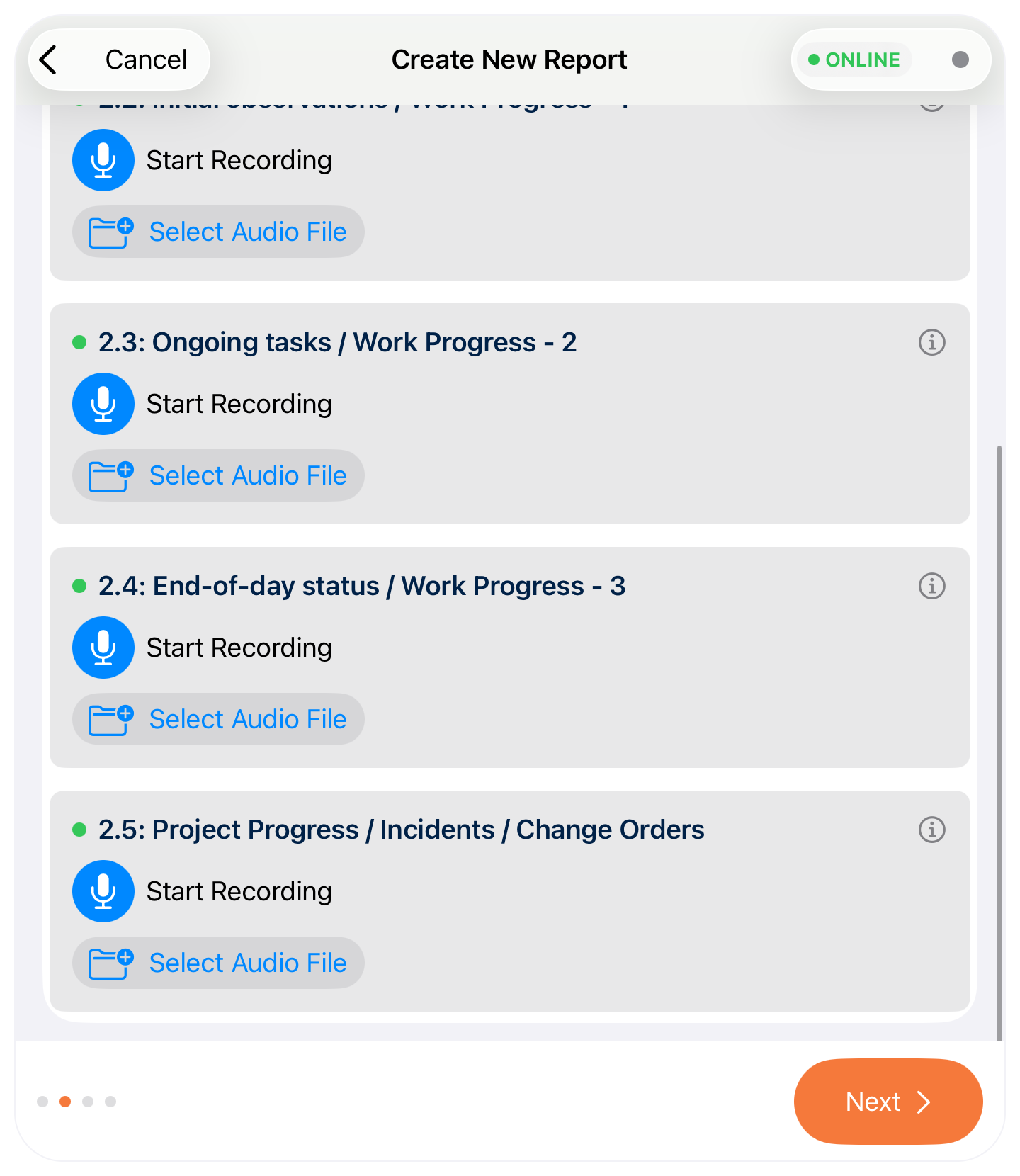
- 2.4: End-of-day status / Work Progress – 3
- 2.5: Project Progress / Incidents / Change Orders
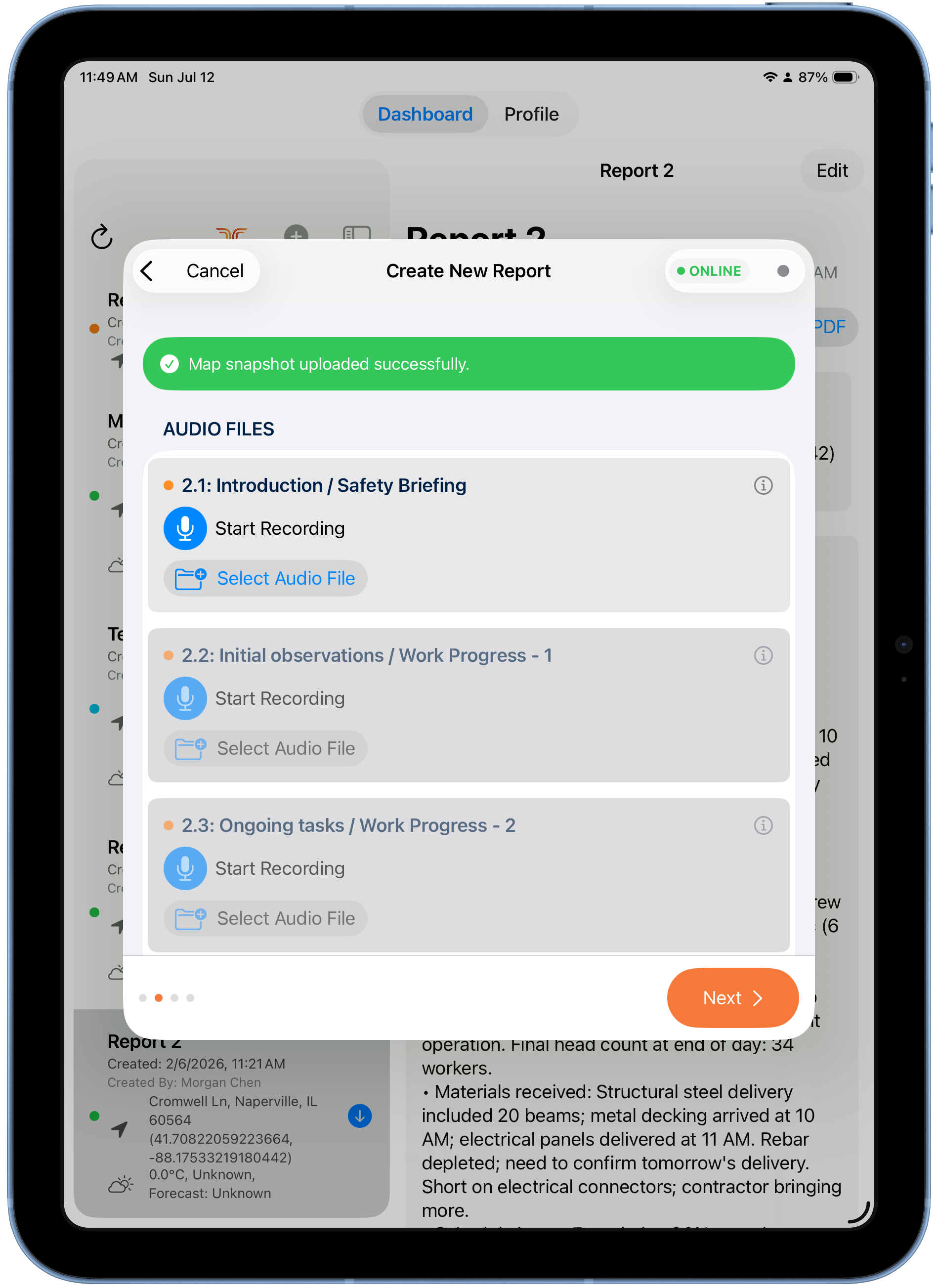
For each section you can either:
- Start Recording — record your notes right on the iPad, or
- Select Audio File — attach a recording you already have (from Files/iCloud).
Recording again replaces the previous audio
Re-recording a section replaces the earlier recording for that section — it doesn't add to it. Say everything for that section in one take, or attach a prepared file.
Work through all five sections, then tap Next.
What to say
Speak naturally — crew counts, work completed, materials received, safety issues, incidents. The more specific your audio, the better the generated report.