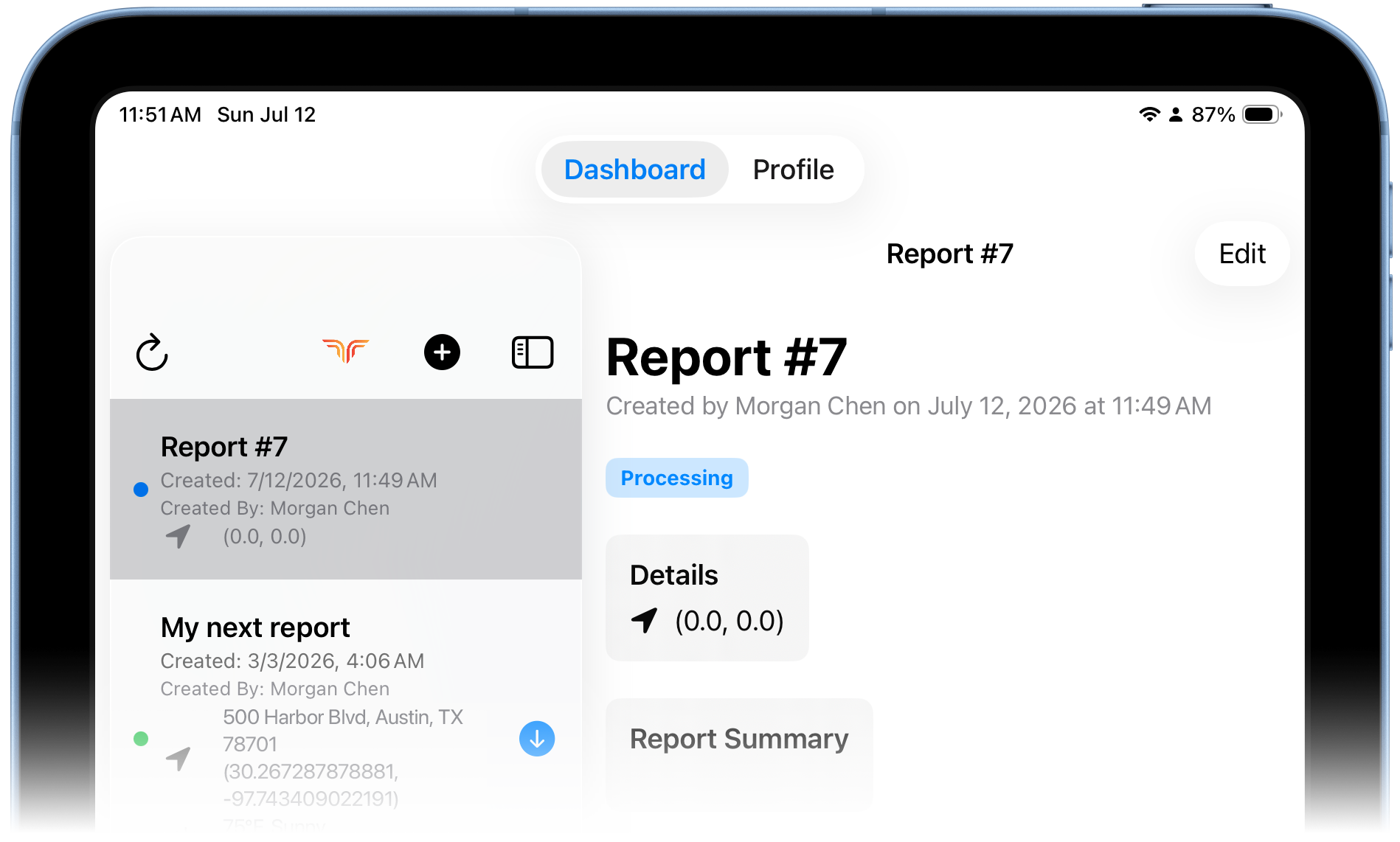
Find past reports & check status
The Dashboard lists every report you've created, newest first.
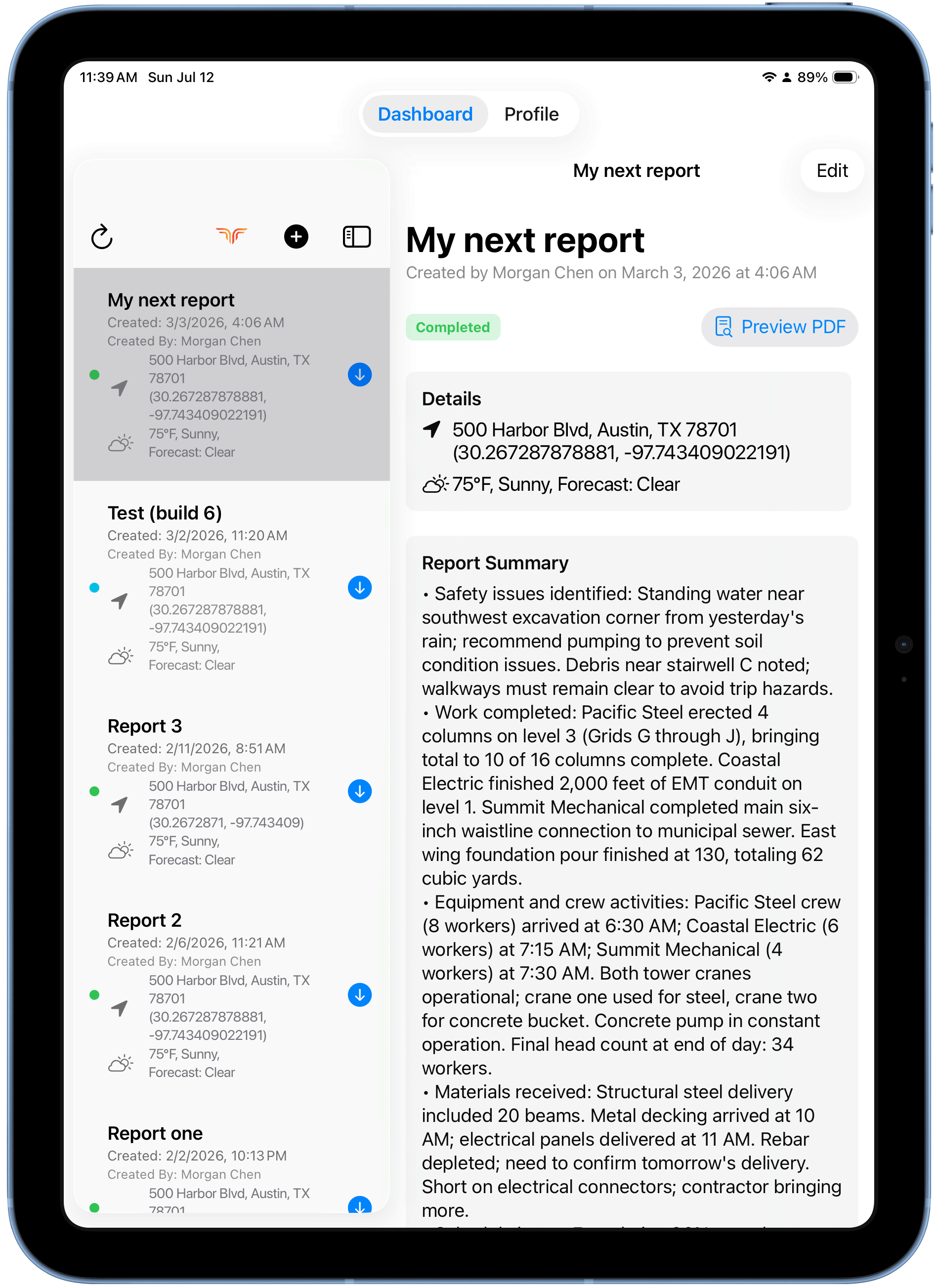
Each report shows
- Title, creation date/time, and creator.
- Location (address + coordinates) and weather, if captured.
- A status tag on the open report — Processing while generating, Completed when done.
Open a report
Tap any report in the list to see its details, generated summary, incidents, and action items on the right — and use Preview PDF for the final document.